WATCH · 6:02
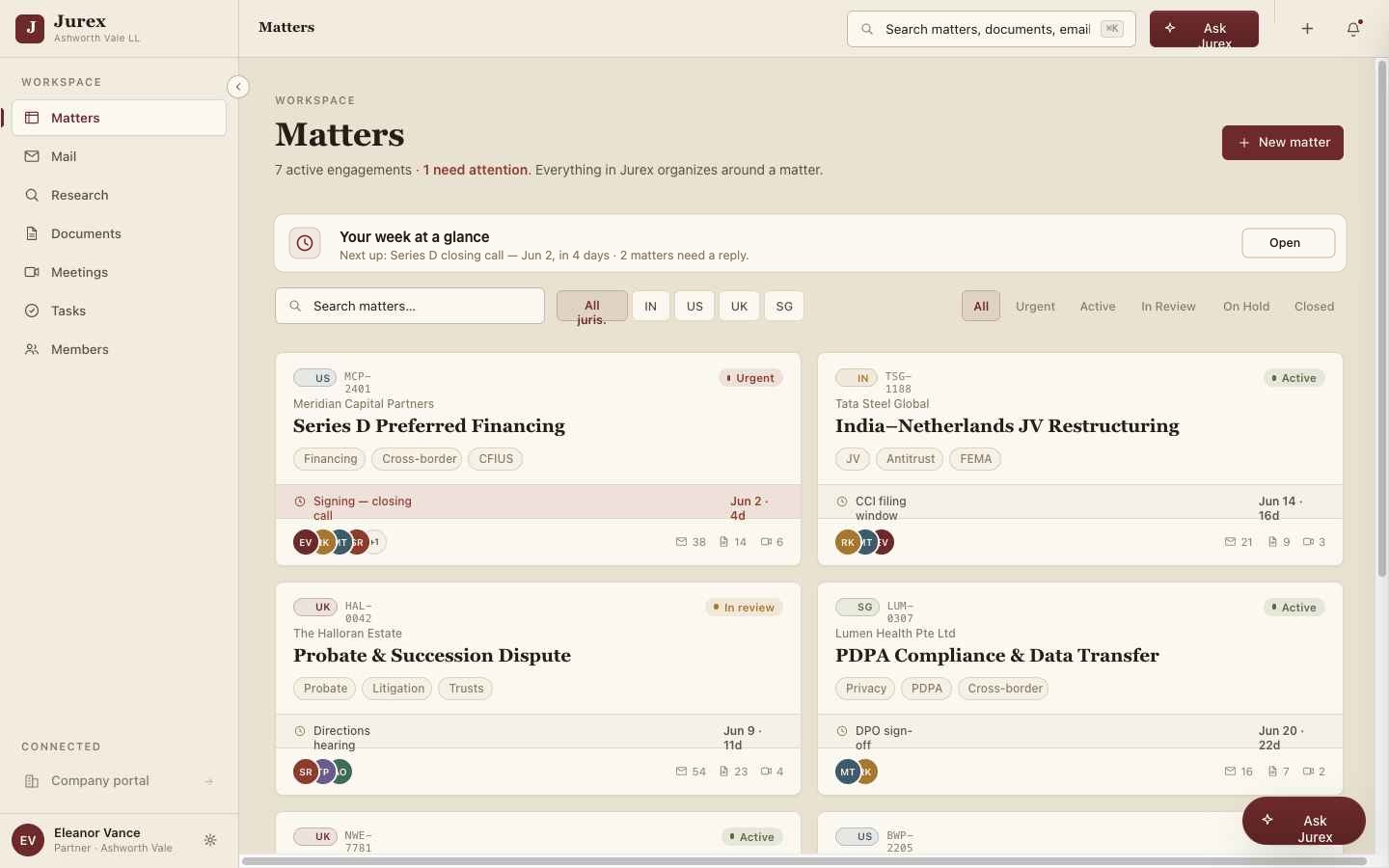
By the end of this lesson you'll have a live firm workspace and your first matter — with a jurisdiction, a scope, and the timeline ready to fill.
What you'll do
Create your firm workspace
Name your firm, pick your offices, and set the jurisdictions you practise in — IN, US, UK, SG.
Open your first matter
Give it a client, a type, and a jurisdiction. Everything you do next will attach to it automatically.
Set the responsible partner & scopes
Assign Lead, Associate, View-only and Billing scopes so access is matter-specific from day one.
Tips
- You can change a matter's jurisdiction later — it re-grounds research automatically.
- Scopes are per-matter; a partner on one can be View-only on another.
- Forwarding email to the matter address logs it to the timeline instantly.